
Recover data.
Retrieve accidentally deleted or damaged files from hard drives, SSDs and USB sticks — even when Windows can no longer see them.
A bootable USB stick with six professional tools for any digital emergency.
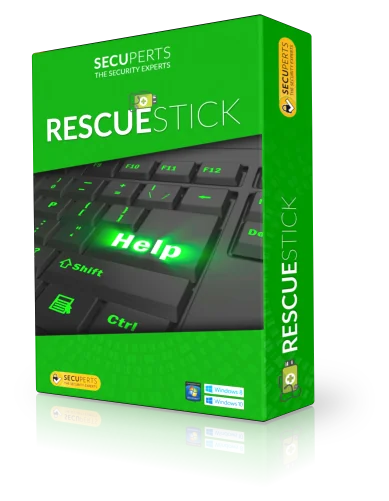
A dying hard drive. A forgotten password. Malware that locks the system. Without a backup plan, only the repair shop remains — or the loss. The Rescue Stick is your emergency plan in the drawer.
Everything you need in an emergency — through a graphical interface, no command line.
Retrieve accidentally deleted or damaged files from hard drives, SSDs and USB sticks — even when Windows can no longer see them.

Protect data from further damage — to external drives or the network, via WebDAV or CIFS share.

Transfer dying disks 1:1 to a new drive — sector by sector, with multiple reads of critical areas.

Permanently overwrite drives before selling or disposing of a PC — using recognized security standards.

Set new Windows passwords and regain access to a locked system — without reinstalling.

Full Linux desktop with browser, mail client and file manager. Keep working while your actual PC is being repaired.
These signs often indicate viruses or malware:
With the Rescue Stick, you boot into a secure Linux emergency system and run a virus scan based on Avast technology — even when Windows no longer starts.
From inserting the USB stick to recovering the file — a clearly guided process.
Connect the prepared Rescue Stick to your computer. No installation required, no internet needed.
Start the computer via the boot menu from the USB stick. Step-by-step instructions are included in the delivery.
Choose your tool — data recovery, virus scan or cloning — and let the process guide you. Done in minutes.
Six typical scenarios where the Rescue Stick saved the day — representative of hundreds more.
Both versions include the full software license with automatic virus definition updates.
Anything not covered here? Our German customer support is happy to help directly.
The SecuPerts Rescue Stick is a bootable USB stick with a tool collection for digital emergencies: data recovery, virus removal, backup, drive cloning, password reset and secure erase.
The Rescue Stick works with Windows XP, 7, 8, 10 and 11, as well as with Linux systems.
No. The Rescue Stick guides you step by step through every emergency task via a graphical interface — no command line, no IT background required.
At least 8 GB. We recommend the 64 GB version to ensure enough space for recovered data and automatic updates of virus definitions.
Yes. If you have forgotten your Windows password, the Rescue Stick provides access to the locked system.
Yes. Virus definitions are updated automatically, provided there is enough space on the stick.
The Rescue Stick belongs in every desk drawer — and every laptop bag. For when things go wrong.
Get your stick now